Guide · 2026
Best Project Proposal Tools for Software Teams (2026)
Creating a software proposal shouldn’t take days.
But for most teams, it still does.
You gather requirements, estimate effort, build a timeline, write a SOW, and then try to keep everything consistent across documents.
By the time you send it, parts of it are already outdated.
This is why proposal tools matter — not just for formatting, but for how they handle planning, structure, and execution alignment.
What to look for in a proposal tool
Not all proposal tools are built for software delivery.
The good ones go beyond PDFs and templates.
Look for:
- Structured scope — not just text
- Timeline generation (not manual Gantt drawing)
- Effort and capacity awareness
- Ability to update without rewriting everything
- Export or connection to execution tools (Jira, Asana, etc.)
If your proposal is disconnected from execution, it will drift from day one.
1. Motionode
Best for: Teams that want proposals tied directly to execution
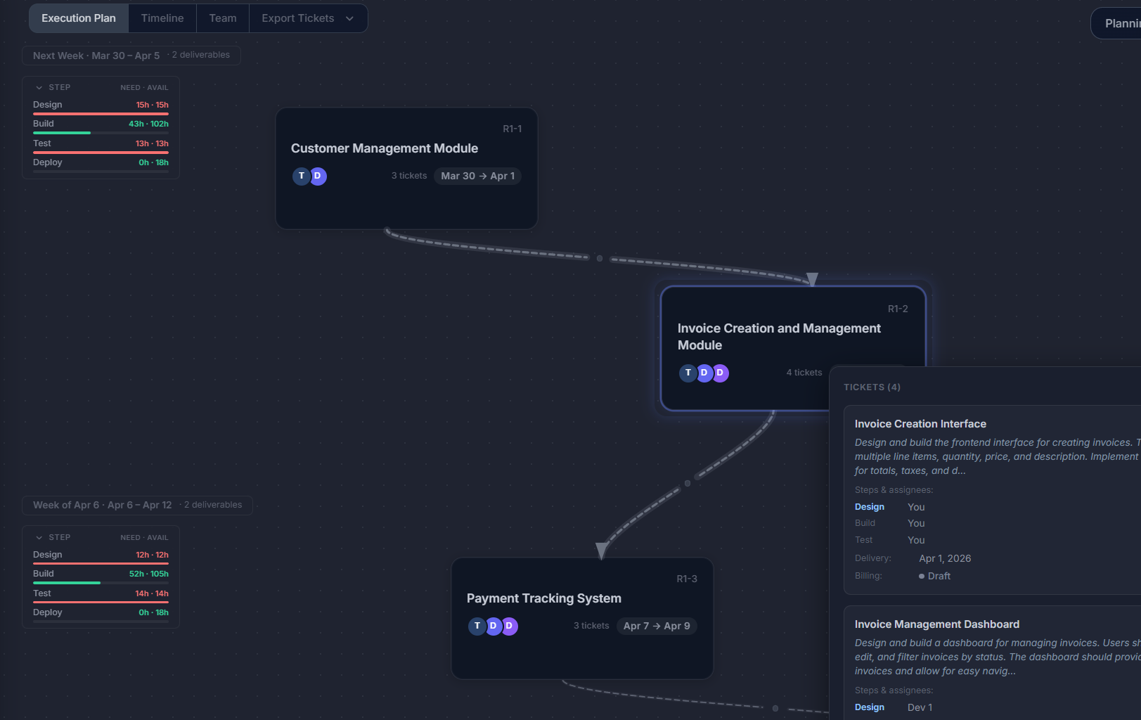
Motionode is not a traditional proposal tool.
It generates proposals from a delivery model, meaning the same structure produces:
- timeline (Gantt)
- tickets
- team schedule
- SOW / proposal
Instead of writing a proposal and then recreating everything in Jira, Motionode keeps everything aligned from the start.
Key advantages:
- Proposal, timeline, and tickets come from the same source
- Changes propagate automatically
- Built-in capacity and dependency logic
- Export to Jira, Asana, Monday, etc.
Where it stands out:
Most tools generate documents.
Motionode generates execution-ready plans.
2. PandaDoc
Best for: Sales-driven teams needing polished proposals
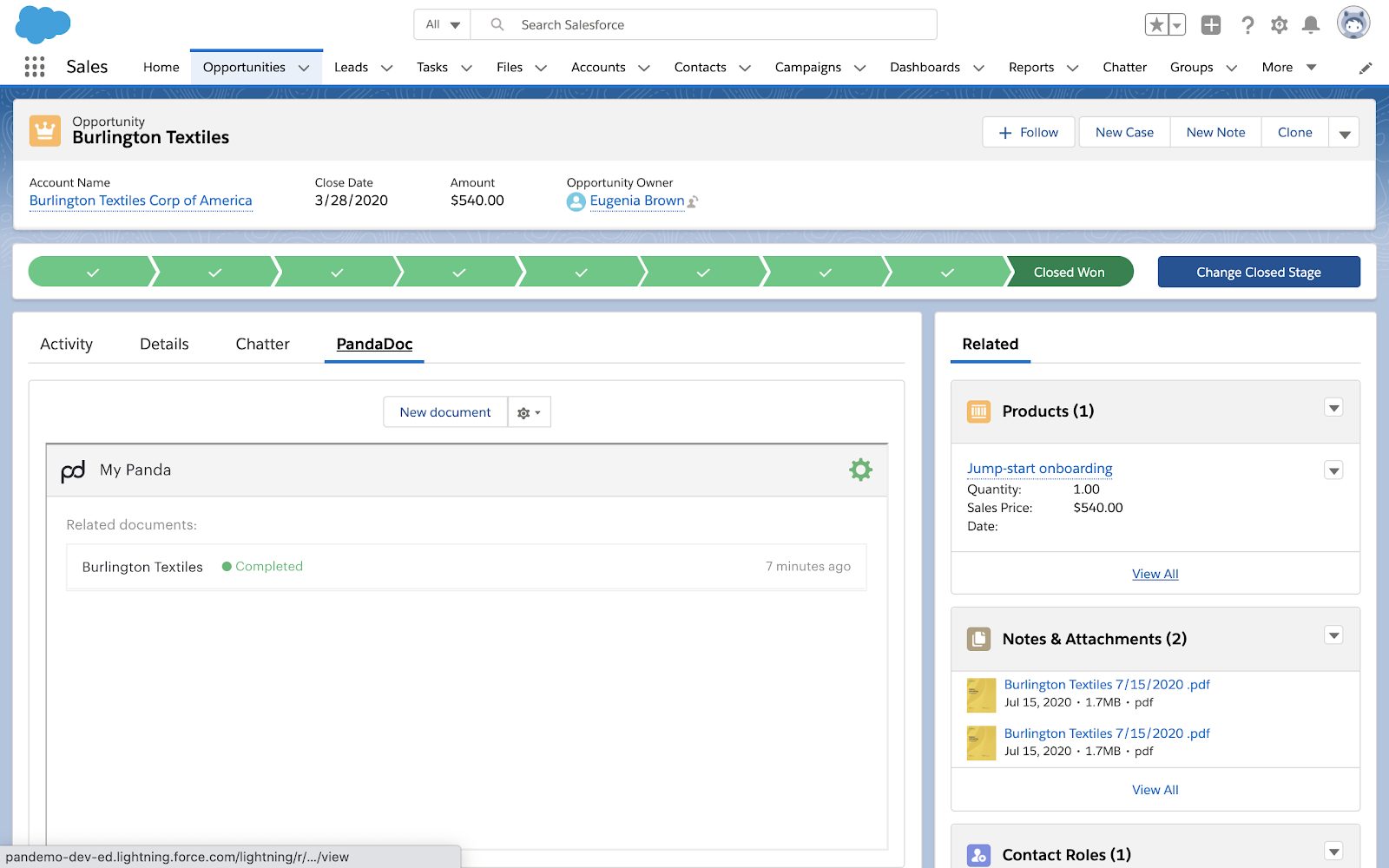
PandaDoc focuses on presentation, templates, and e-signatures.
It’s great for client-facing proposals, but it doesn’t handle technical planning deeply.
Pros:
- Beautiful templates
- E-signature workflows
- CRM integrations
Cons:
- No real delivery planning
- No dependency or capacity logic
- Needs separate tools for execution
3. Proposify
Best for: Agencies doing high-volume proposals
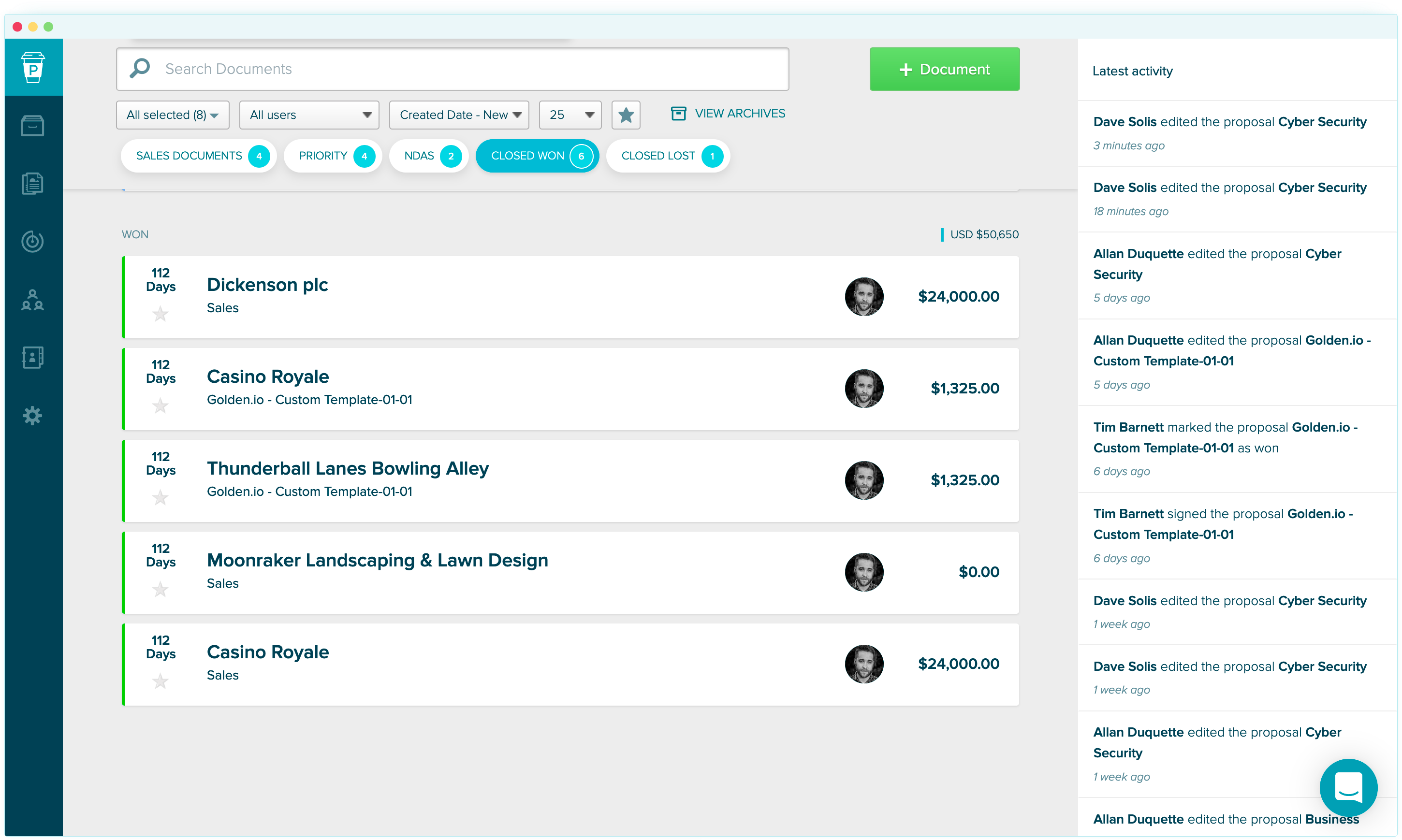
Proposify is similar to PandaDoc but more focused on proposal workflows and approvals.
Pros:
- Proposal tracking
- Template management
- Client approvals
Cons:
- Static documents
- No connection to engineering execution
4. Notion
Best for: Lightweight, flexible proposal docs
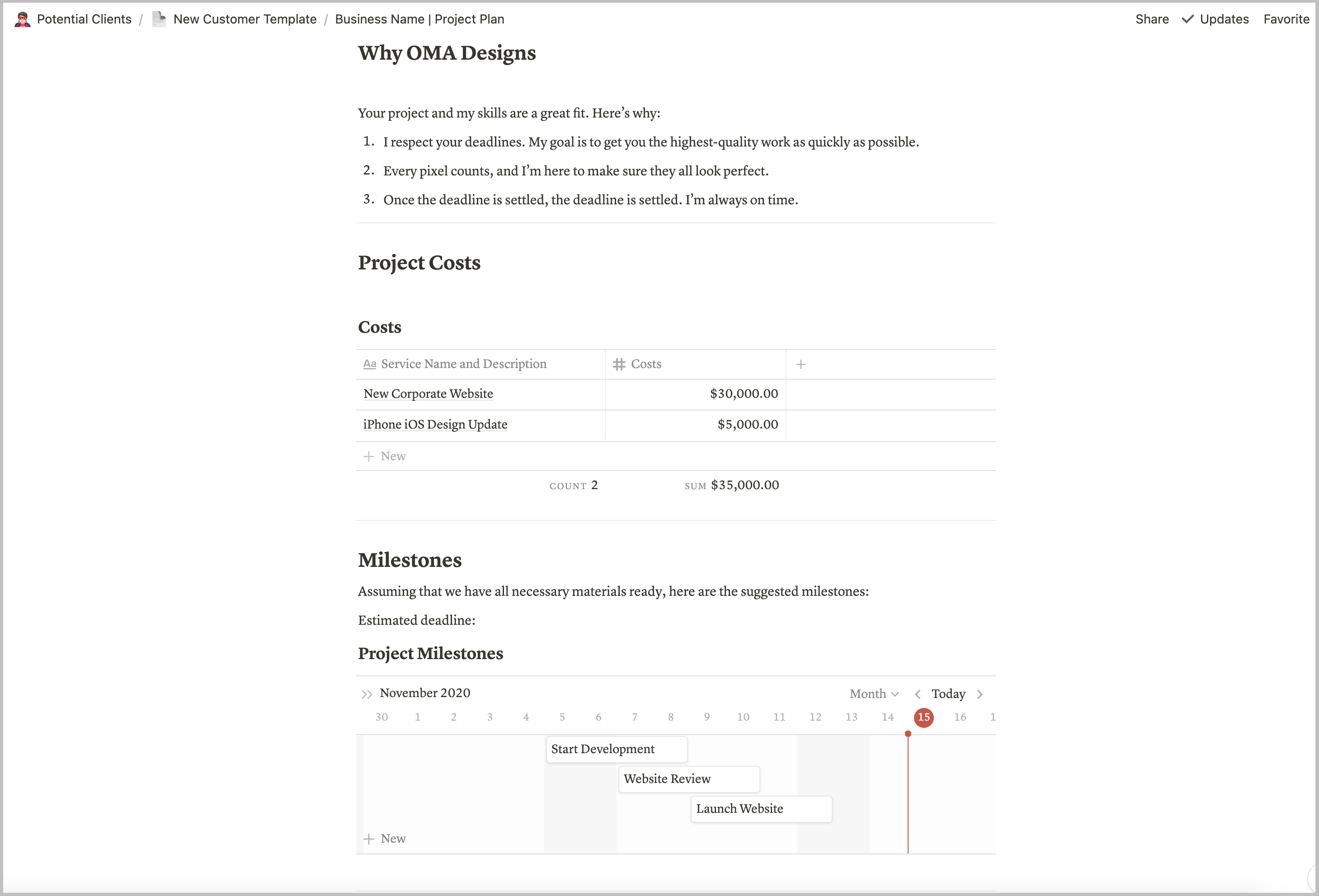
Many teams use Notion to write proposals manually.
It works, but everything is built from scratch.
Pros:
- Flexible
- Easy to share
- Good for documentation
Cons:
- No structure enforcement
- No timeline generation
- No link to execution tools
5. Excel / Google Sheets
Best for: Teams comfortable with manual control
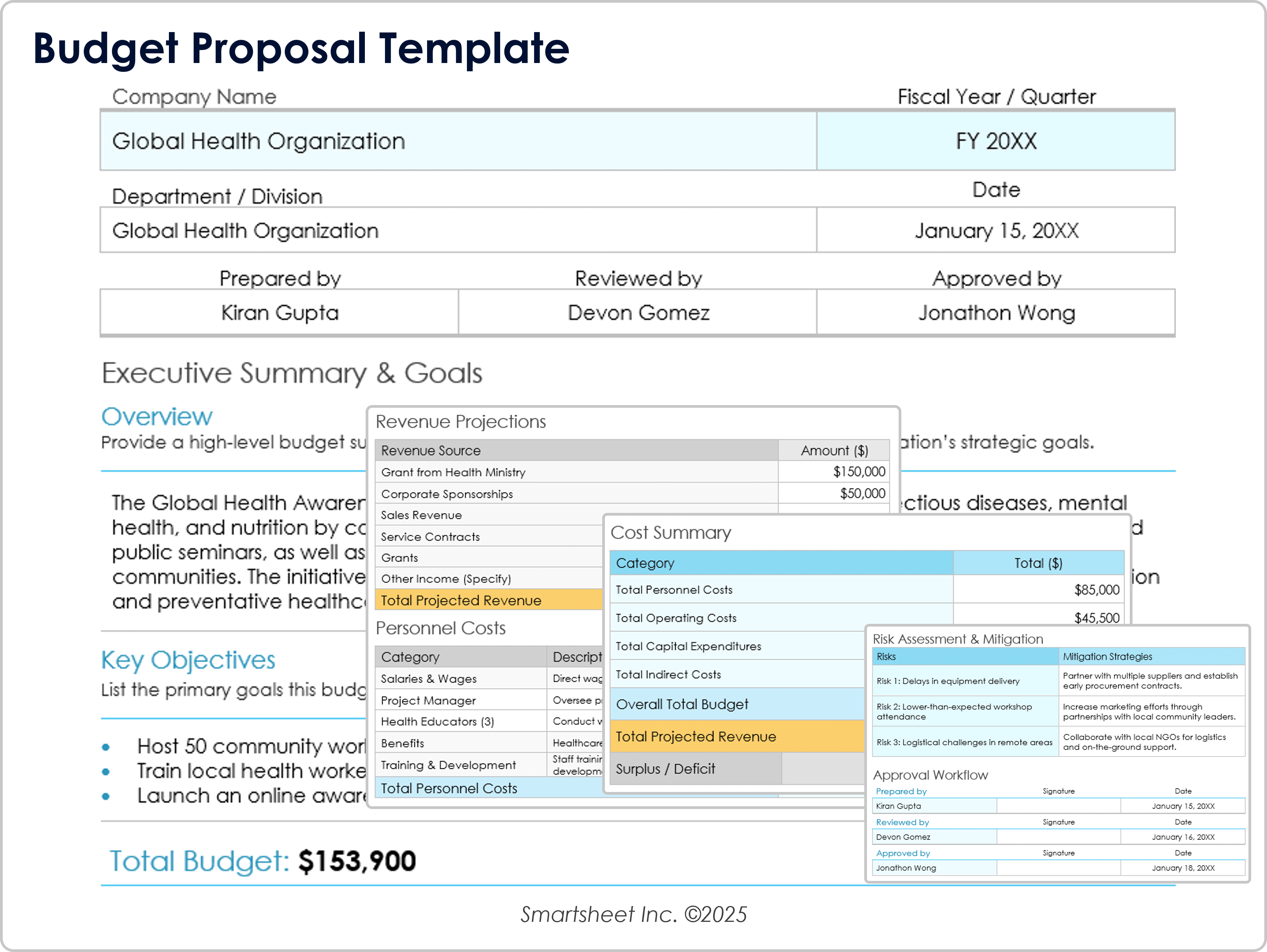
Still widely used.
Teams build:
- effort estimates
- timelines
- pricing models
But everything is manual.
Pros:
- Full control
- Familiar
Cons:
- Time-consuming
- Easy to break
- No automation between outputs
The real difference between tools
Most proposal tools optimize for how the proposal looks.
Very few optimize for whether the proposal can actually be executed.
That’s where most teams struggle.
Because:
- the proposal says one thing
- Jira says another
- timelines drift
- clients lose trust
A better approach
Instead of writing proposals, then rebuilding everything in execution tools, move to one delivery model that generates proposal, timeline, and tickets together.
That way:
- scope stays consistent
- timelines stay aligned
- updates don’t break everything
- proposals reflect reality
Simple rule
If your proposal needs to be manually recreated in Jira…
it’s already outdated.
TL;DR
- Most tools help you write proposals
- Very few help you execute them
- The best tools don’t just generate documents — they generate delivery plans that can actually run