Guide · 2026
Best Tools for Turning Plans into Tickets (2026)
Turning a plan into tickets sounds simple.
In reality, it’s where most projects start breaking.
You create a plan — maybe a Gantt chart, a proposal, or a requirements doc.
Then you manually recreate it in Jira, Asana, or another tool.
That’s where things drift:
- tasks get simplified
- dependencies get lost
- timing becomes approximate
- ownership gets unclear
By the time execution starts, your tickets no longer match your plan.
What to look for
If you’re choosing a tool for this, the goal is not just “creating tickets.”
It’s preserving the logic of the plan.
Look for:
- Dependency-aware ticket generation
- Sequencing (order is preserved)
- Start / end windows (not just backlog items)
- Connection to timelines
- Ability to update without recreating everything
If your tool can’t do this, you’re not converting a plan.
You’re rewriting it.
1. Motionode
Best for: Converting structured plans into execution-ready tickets
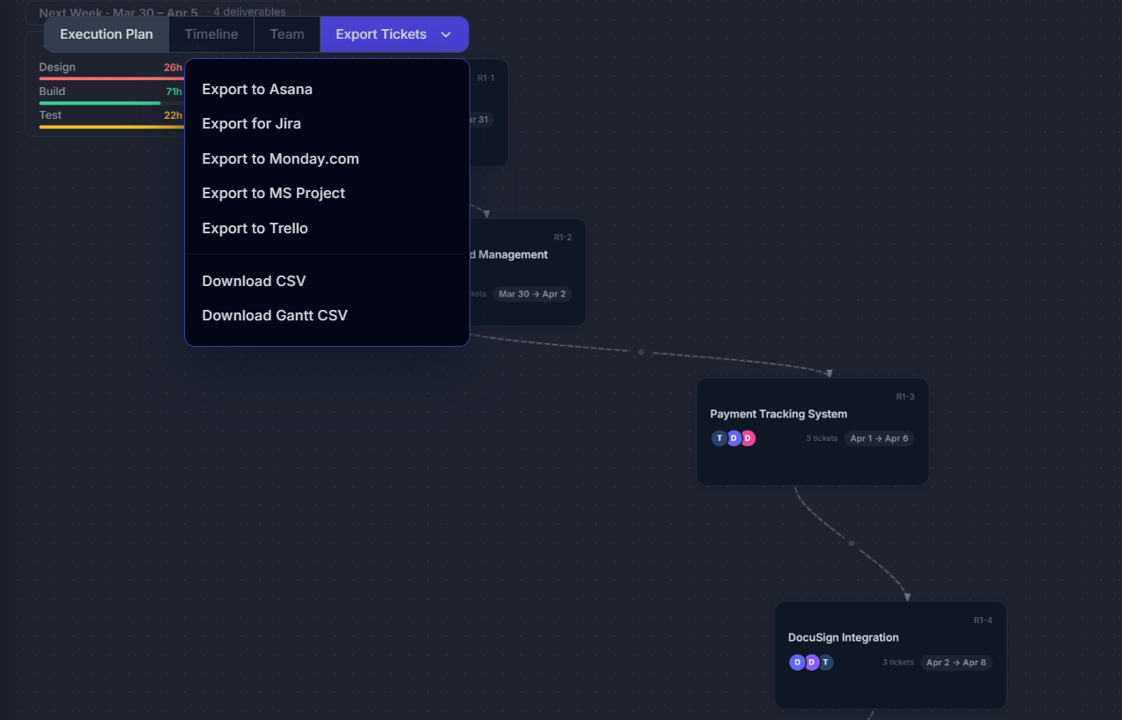
Motionode generates tickets directly from a delivery model.
Instead of manually creating tickets after planning, the system produces:
- tickets
- dependencies
- timelines
- team assignments
All from the same structure.
That means:
- no duplication
- no loss of logic
- no drift between plan and execution
Key advantages:
- Tickets preserve sequencing and dependencies
- Timeline and tickets stay aligned
- Changes update everything automatically
- Export to Jira, Asana, Monday, etc.
Where it stands out:
Most tools require manual ticket creation.
Motionode eliminates that step entirely.
2. Jira (manual approach)
Best for: Teams already fully invested in Jira
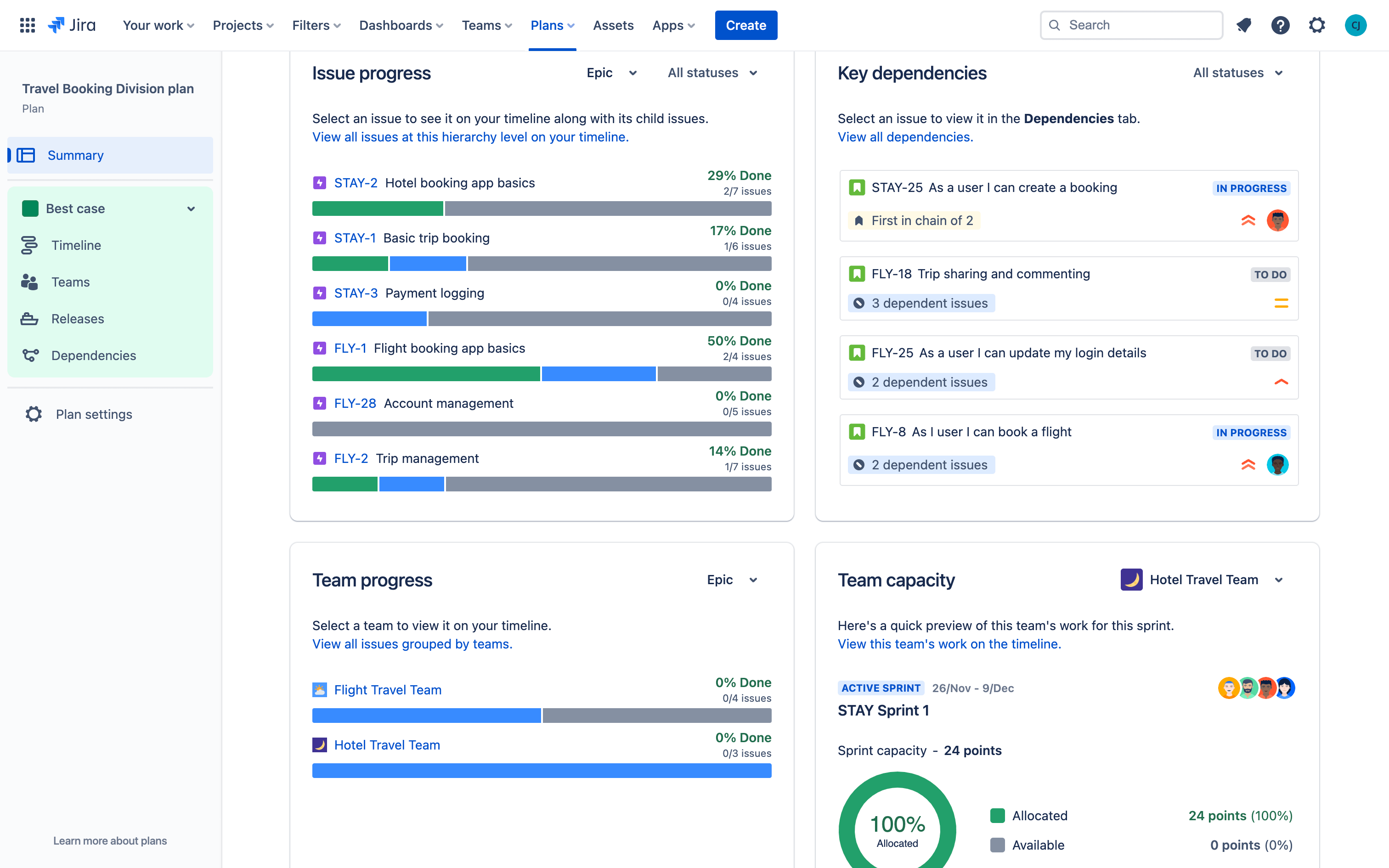
Jira is the most common destination for tickets, but not a strong tool for generating them from plans.
Most teams:
- create tickets manually
- or import from spreadsheets
Pros:
- Flexible workflows
- Industry standard
Cons:
- No native plan → ticket conversion
- Dependencies often recreated manually
- Easy to lose original structure
3. ClickUp
Best for: Teams combining docs and tasks in one place
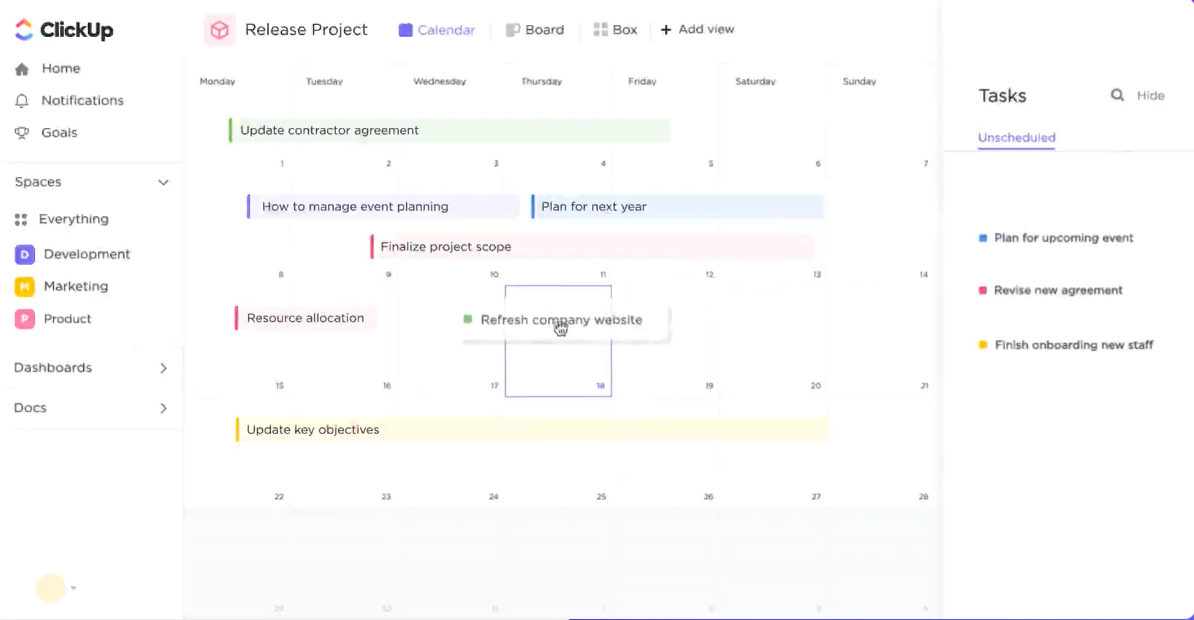
ClickUp allows creating tasks from docs, but the structure is limited.
Pros:
- Docs + tasks integration
- Templates
Cons:
- Weak dependency handling
- Limited timeline logic
- Still requires manual structuring
4. Notion + integrations
Best for: Lightweight workflows
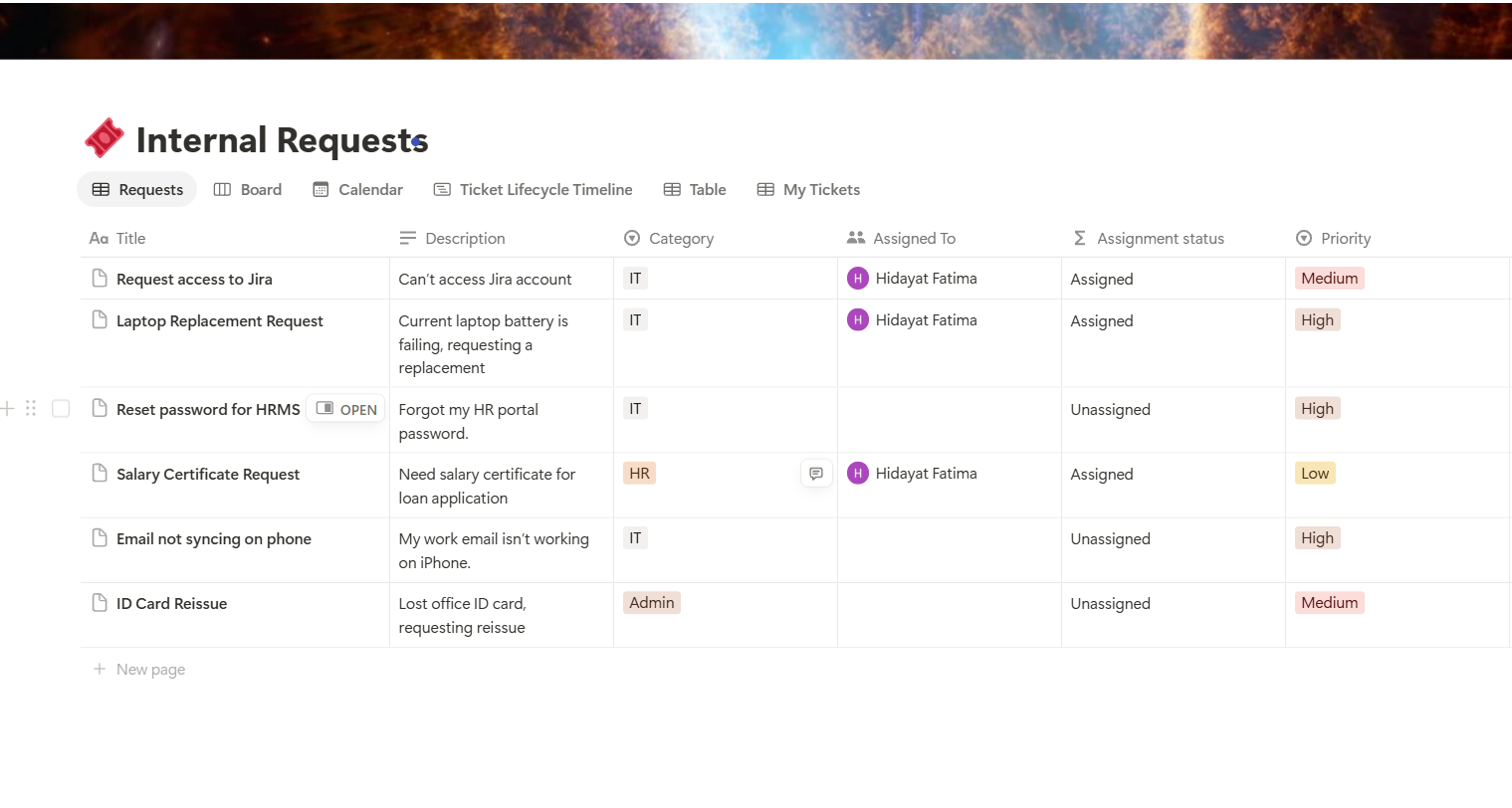
Teams often use Notion to define plans, then sync to tools like Jira.
Pros:
- Flexible
- Good for documentation
Cons:
- No true dependency model
- Requires integrations or manual sync
- Plan and execution diverge quickly
5. CSV / spreadsheet imports
Best for: Teams trying to automate manually
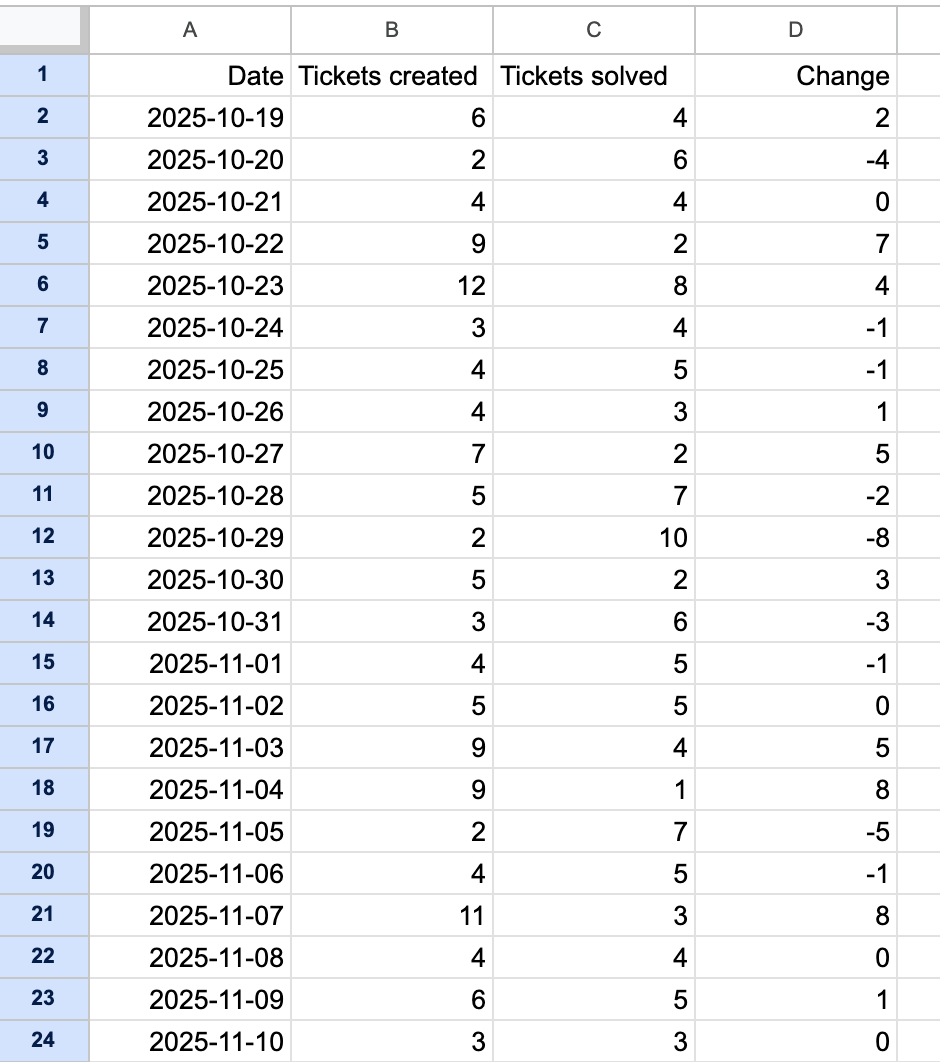
Some teams generate tickets via CSV and import them into Jira or other tools.
Pros:
- Faster than manual entry
- Repeatable
Cons:
- Fragile
- No dynamic updates
- Breaks as soon as the plan changes
6. Linear
Best for: Fast, developer-focused ticket workflows
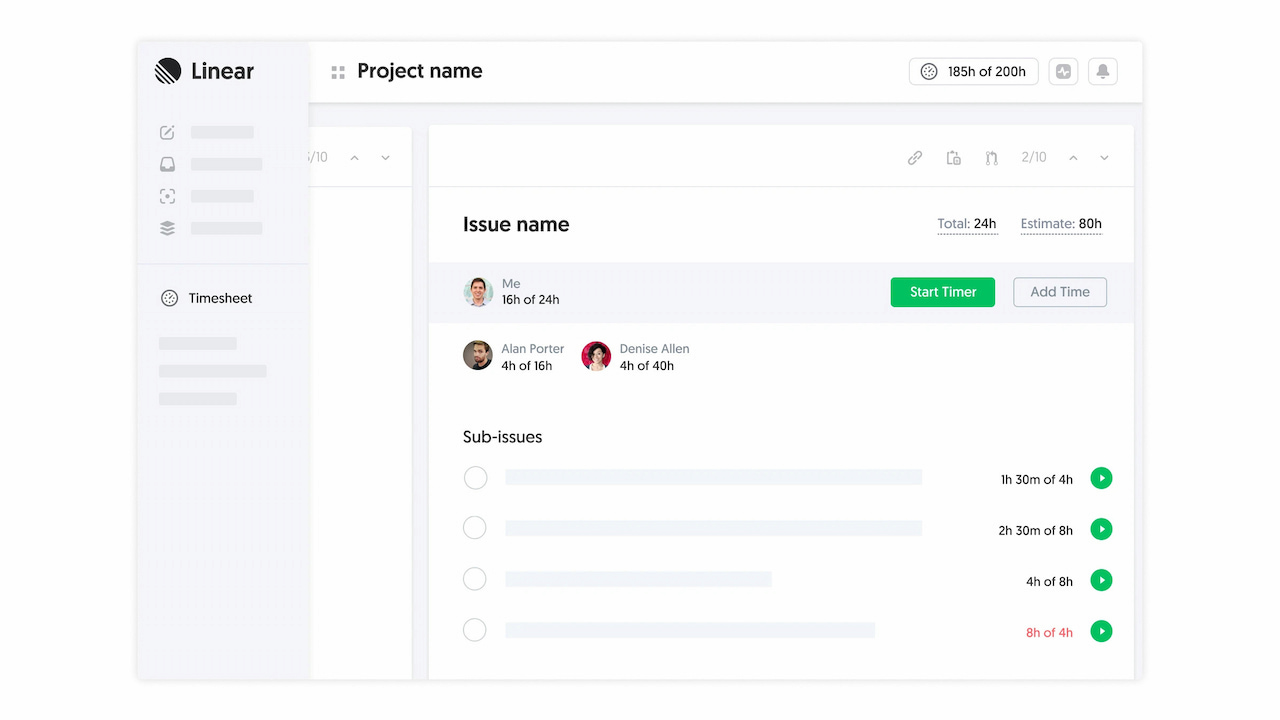
Linear is built for speed and clean execution.
It works well once tickets exist, but doesn’t really help generate them from a plan.
Pros:
- Extremely fast UI
- Great for sprint cycles
- Strong GitHub integration
Cons:
- No plan → ticket conversion
- Limited modeling of dependencies
Strong execution tool, weak planning bridge.
7. GitHub Projects
Best for: Dev teams working directly from code
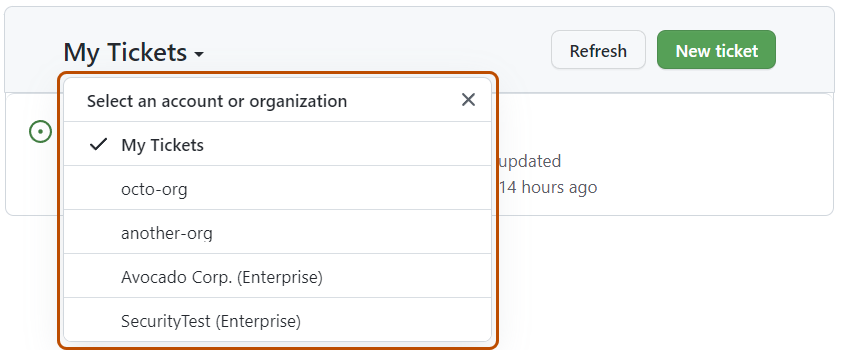
If your team lives in GitHub, this is the simplest path.
Tickets = issues.
Pros:
- Direct connection to code
- PR ↔ issue linking
- No tool switching
Cons:
- No structured planning layer
- No timeline logic
- No automatic ticket generation
You skip extra tooling, but you lose structured plan fidelity.
8. Asana
Best for: Cross-functional teams
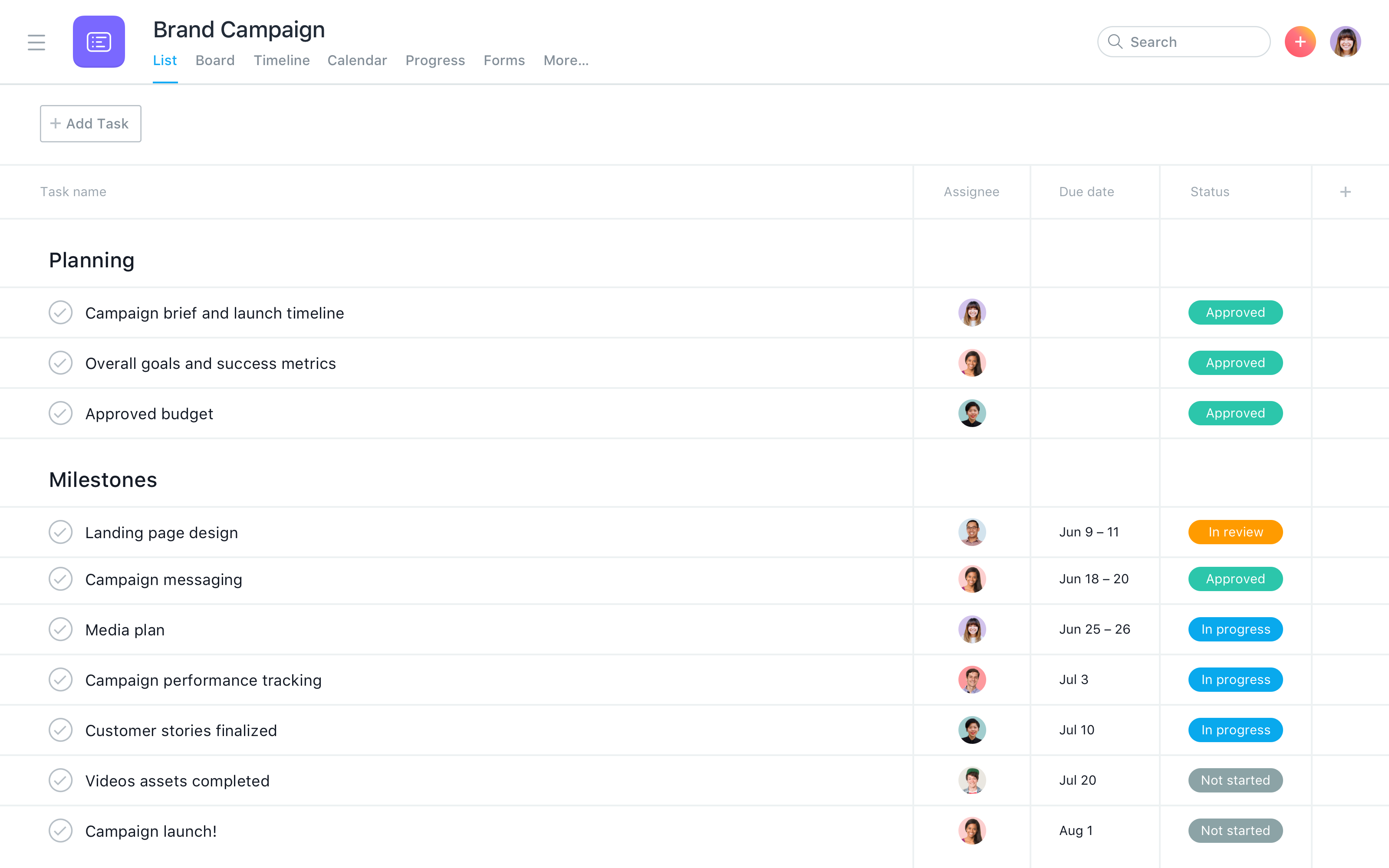
Asana is popular for turning high-level plans into tasks, especially outside engineering.
Pros:
- Easy to use
- Good for collaboration across teams
- Visual timelines
Cons:
- Weak dependency depth
- No real plan → ticket system
- Requires manual breakdown
Good for coordination, not for preserving deep execution logic.
9. Monday.com (Monday Dev)
Best for: Visual workflows and automation
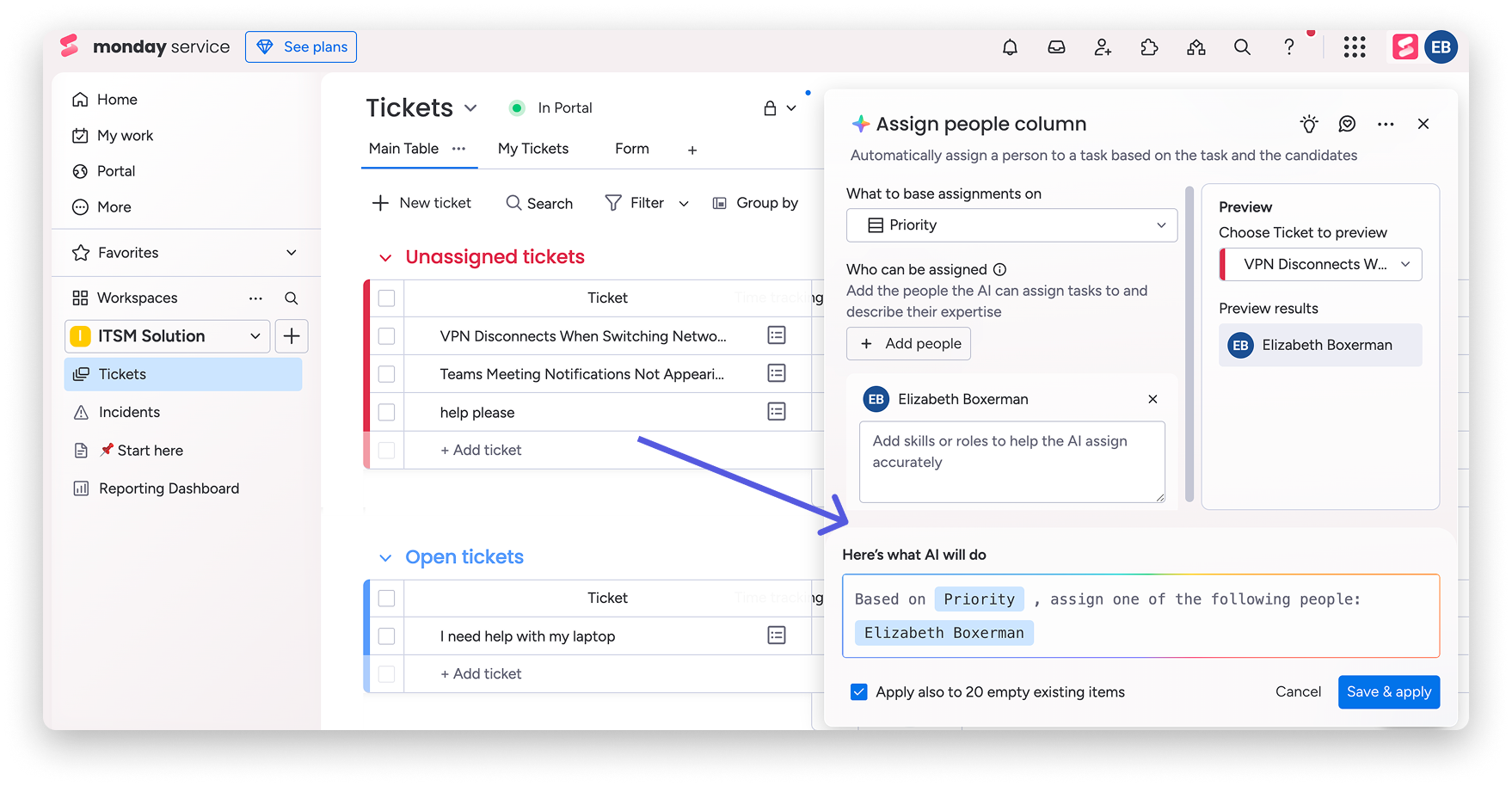
Monday is strong in automation and dashboards.
Pros:
- Visual boards
- Automations
- Integrations with GitHub and others
Cons:
- Tickets are still manually created
- Dependencies are shallow
- Planning logic is not enforced
Feels powerful, but still manual underneath.
10. Airtable / Coda (structured docs → tasks)
Best for: Custom workflows
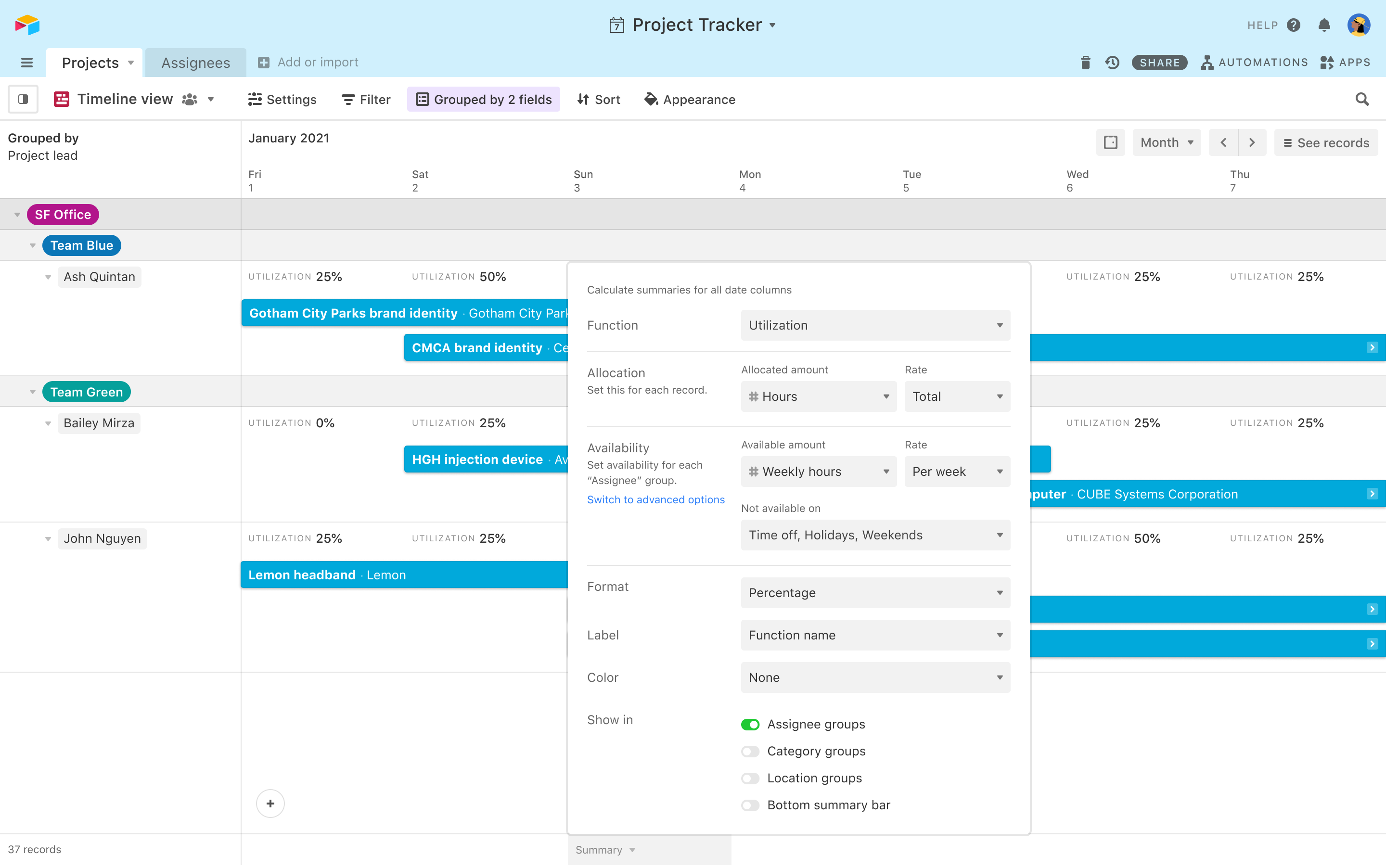
These tools let teams build their own systems.
Pros:
- Flexible database-style structure
- Can model relationships
- Good for custom setups
Cons:
- You have to build everything yourself
- No native execution model
- Easy to create fragile systems
Powerful, but requires heavy setup.
The real problem
Most tools treat planning and execution as separate steps.
So you end up doing this:
- Create plan
- Translate into tickets
- Maintain both
That’s duplication.
And duplication creates drift.
A better approach
Instead of converting plans into tickets manually, use a system where tickets are generated from the plan itself.
That way:
- dependencies stay intact
- order is preserved
- timelines remain accurate
- updates don’t require rebuilding everything
What this looks like
Here’s an example where tickets are generated directly from a delivery plan:
From this:
- tickets already exist
- dependencies are defined
- timelines are calculated
- export is one click
Simple rule
If you need to recreate your plan in Jira…
you’ve already lost part of it.
TL;DR
- Most teams manually convert plans into tickets
- That process loses structure and creates drift
- The best tools generate tickets directly from the plan